Fold your phone shut on wet paint.
Paint & Fold turns iPhone Duo into the butterfly prints you made at school. Paint on the inside screen, close it to press, open it to see what came out.
Try it out
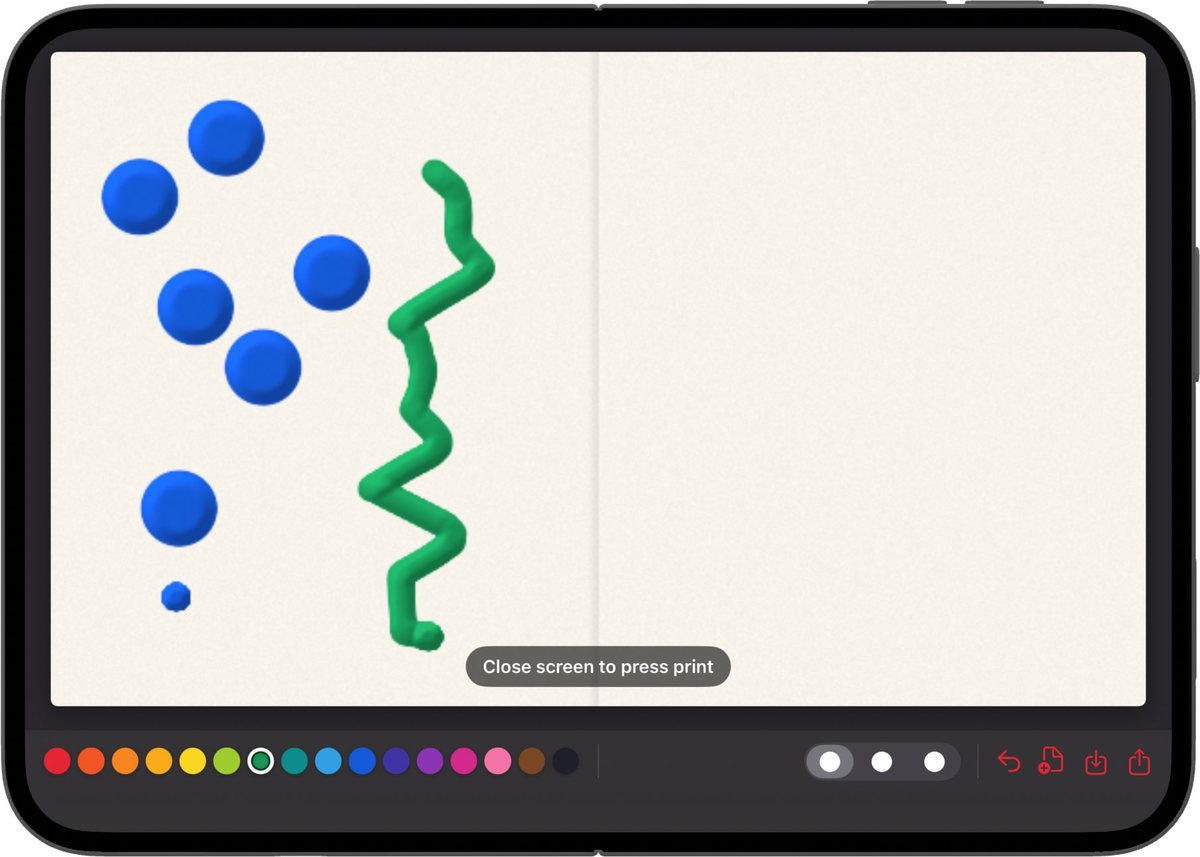
Paint on the screen, then fold.
Paint & Fold turns iPhone Duo into the butterfly prints you made at school. Paint on the inside screen, close it to press, open it to see what came out.
Paint on the screen, then fold.
Open your iPhone Duo flat and paint with your fingers.
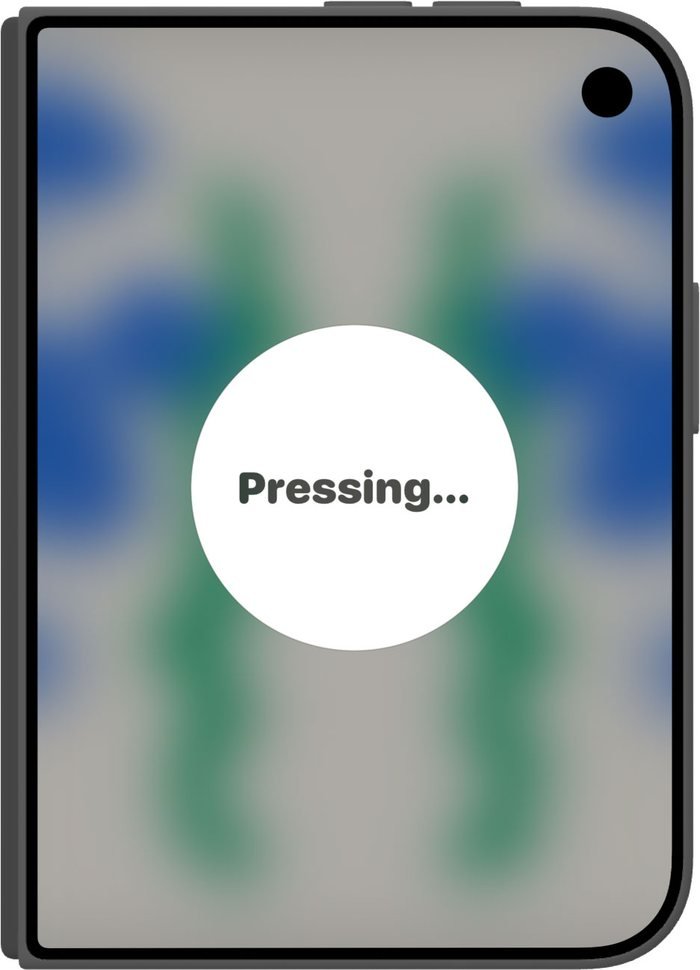
Fold the phone shut, the way you would fold the paper in half.
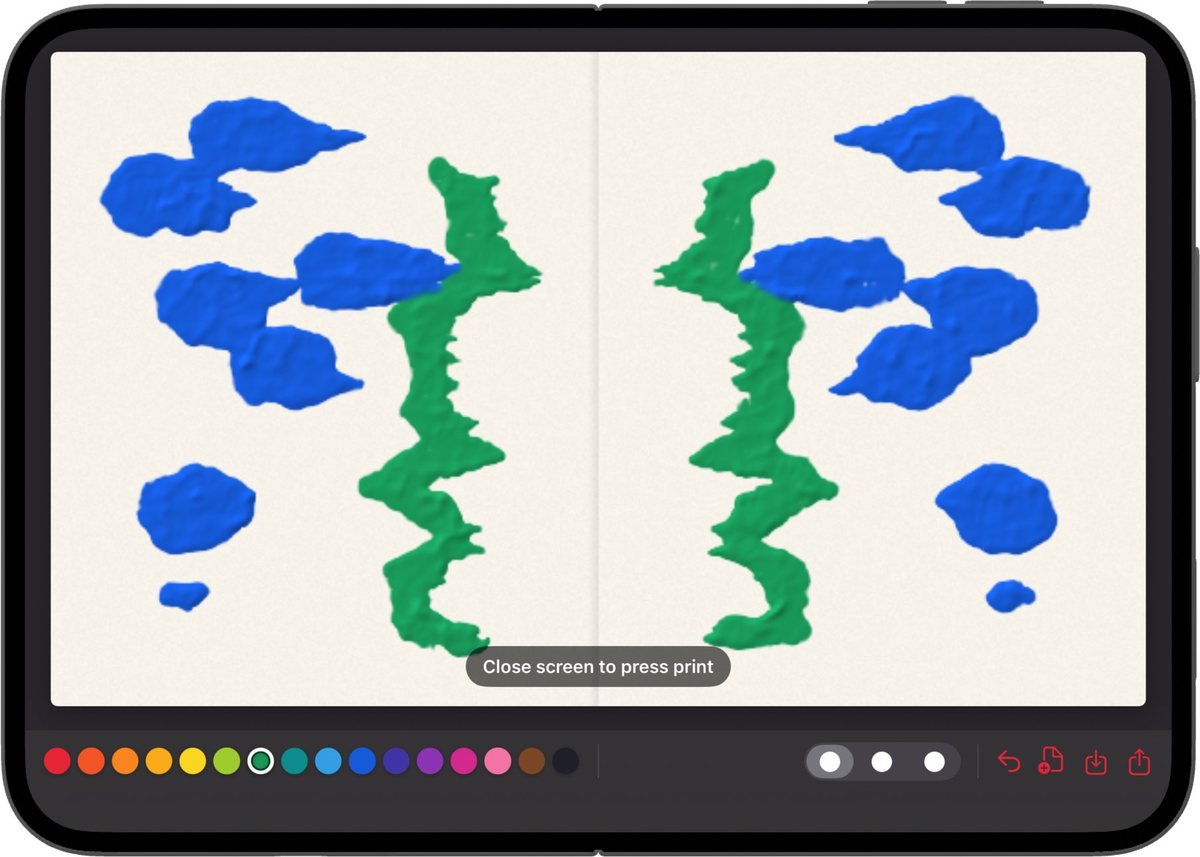
Your painting is now on both sides, mirrored across the hinge. Usually a butterfly. Sometimes a moth.
Paint & Fold only works because the phone folds in half, so it needs an iPhone Duo. There is no account and nothing to set up. Open it and paint.